Your hand photo
Preview a design on your own nails

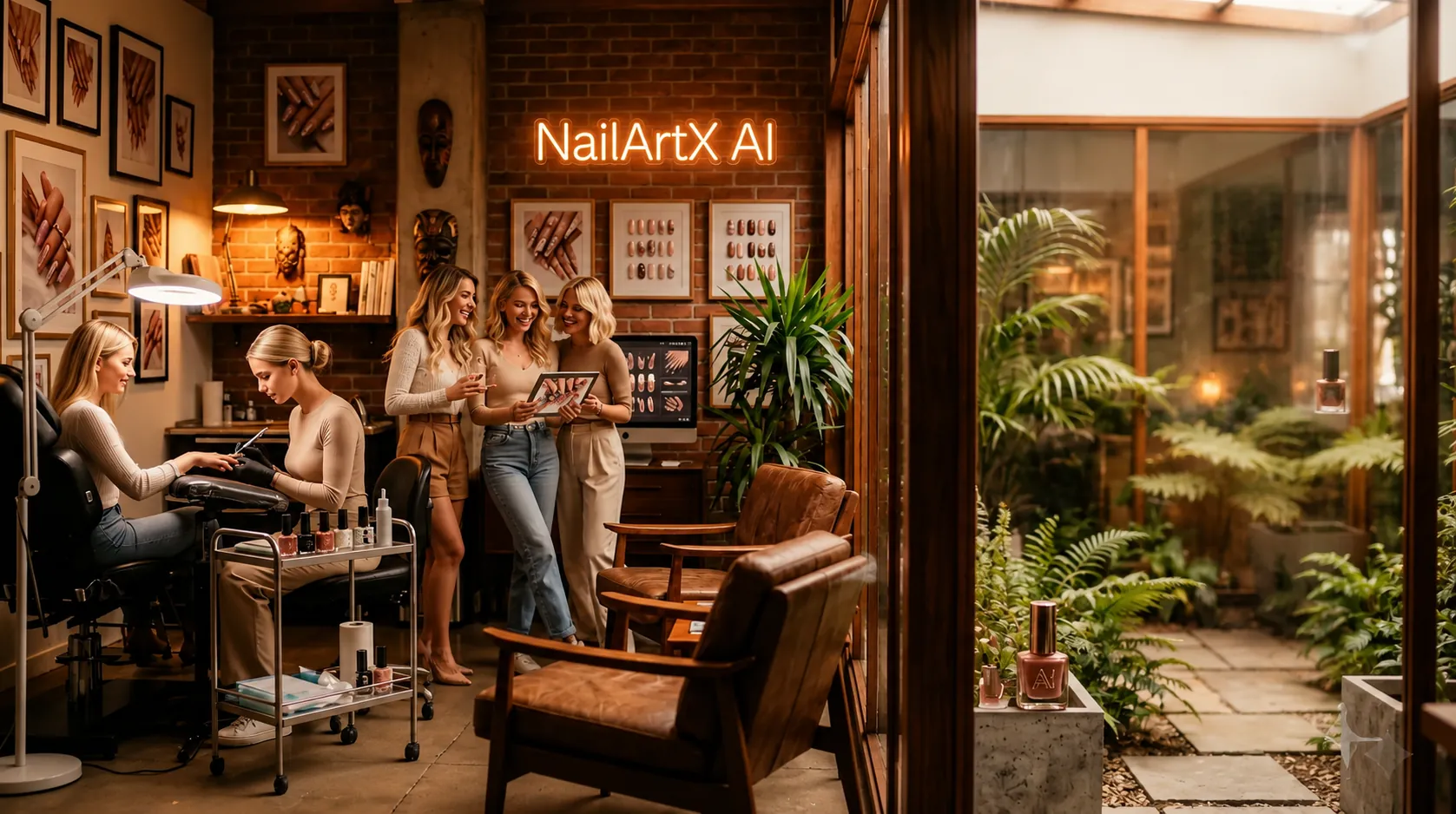
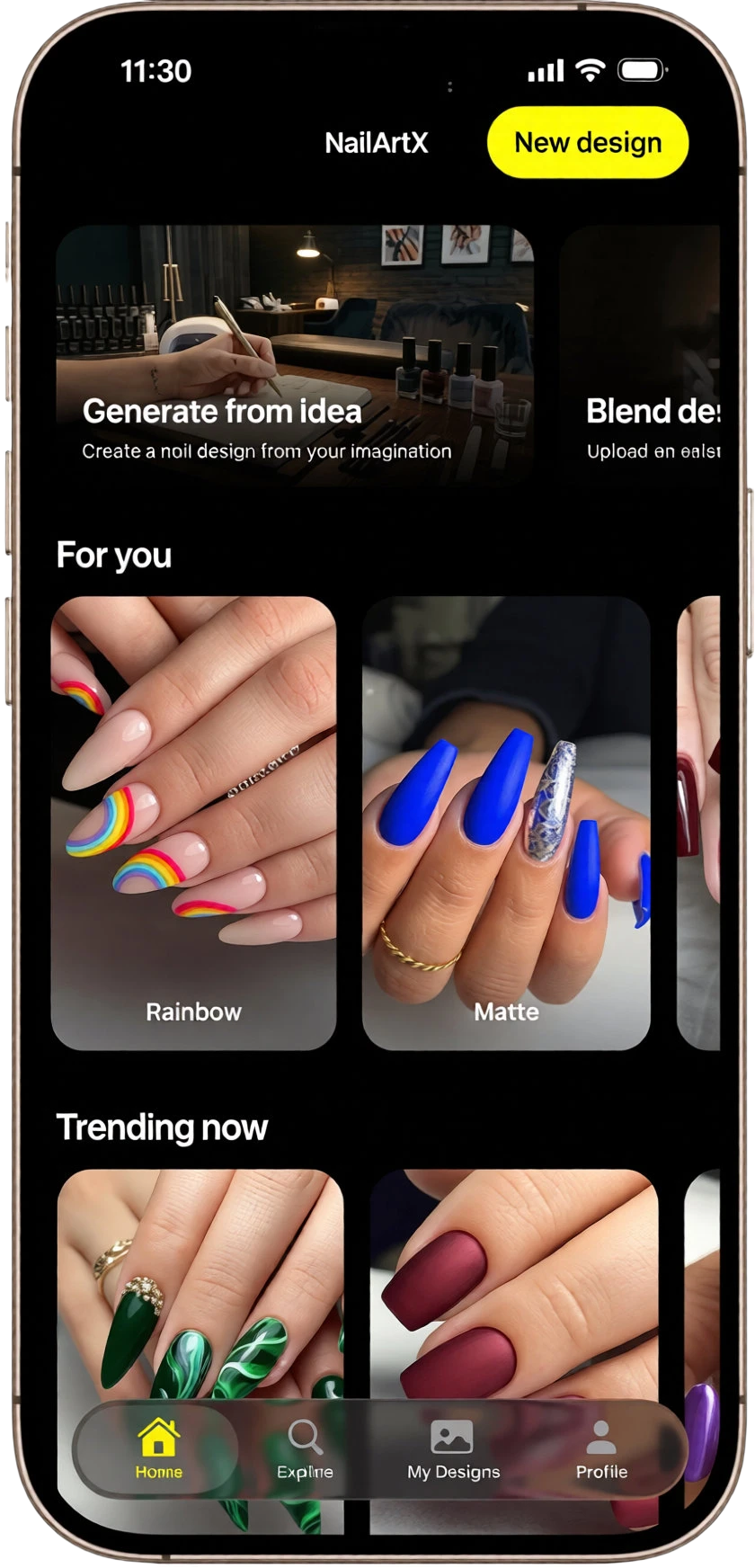
Create nail designs from a prompt or try a manicure on your own hand photo. Explore French tips, chrome finishes, and everyday nail colors with NailArtX for iPhone.
Your hand photo
Preview a design on your own nails
Four creative tools
Generate, try on, repaint, or remove
A clearer salon reference
Share the nail look you have in mind
From nail inspiration to a photo preview
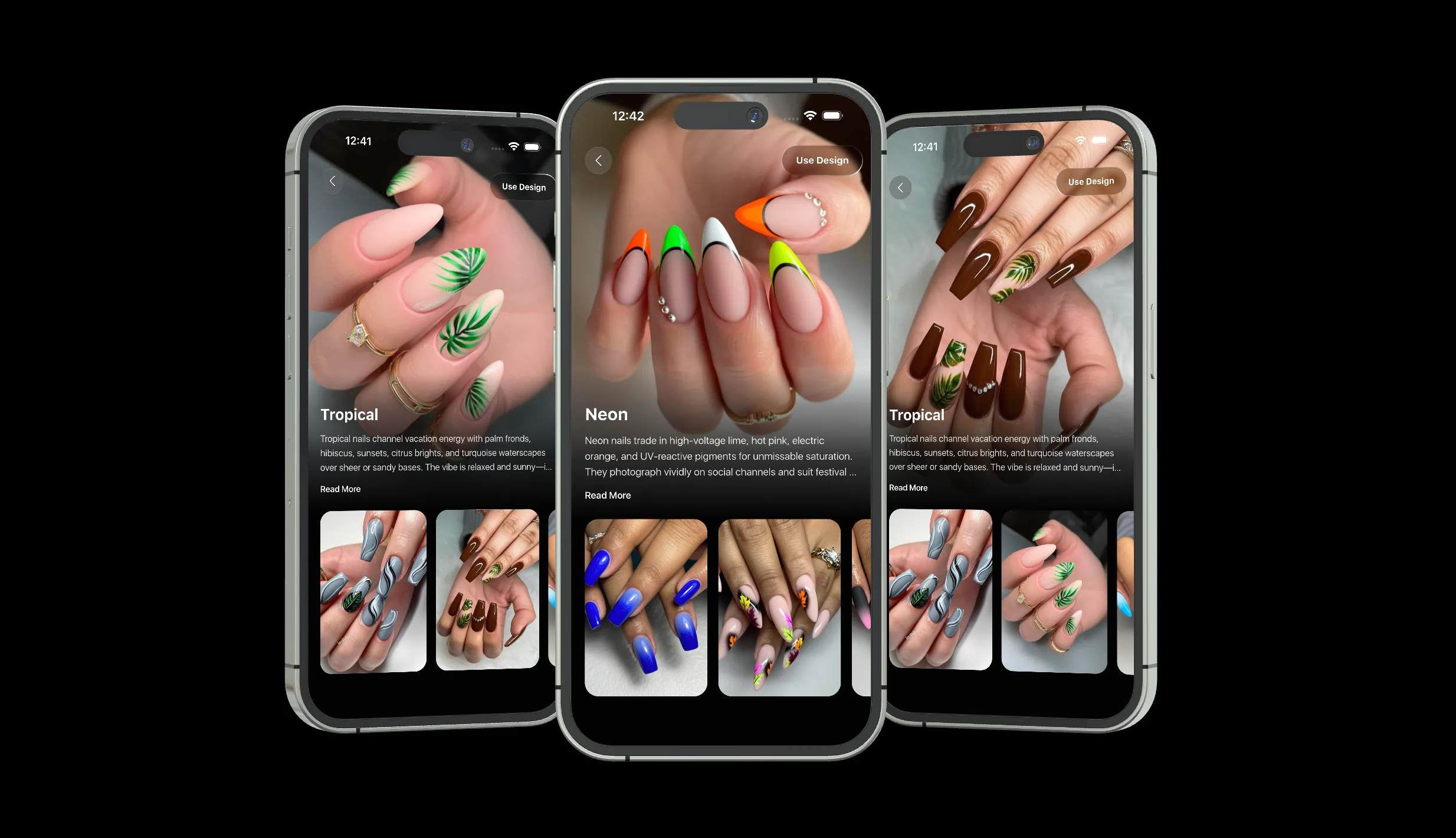
NailArtX
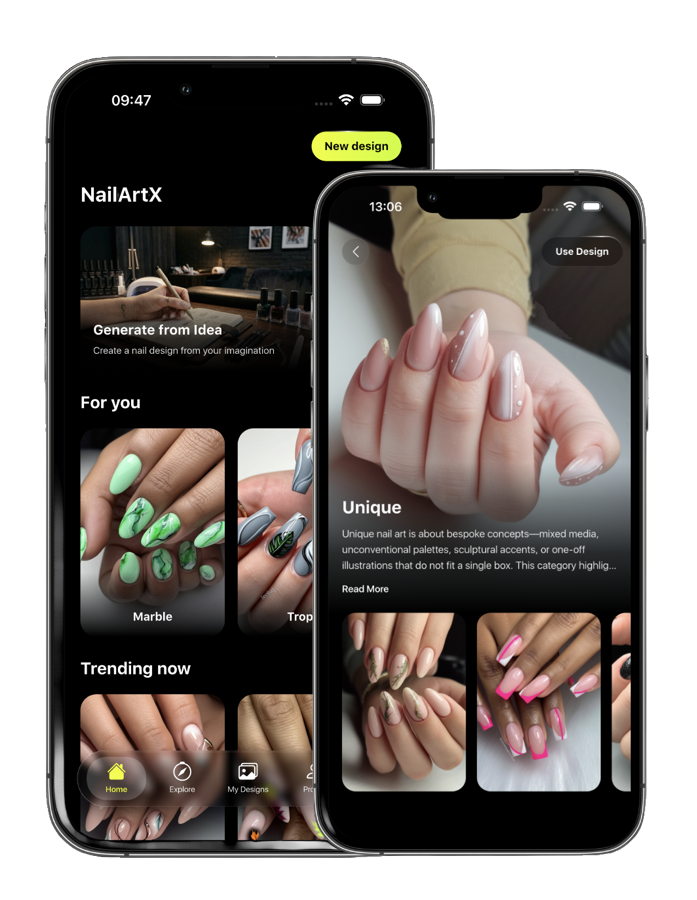
NailArtX is an AI nail design app for iPhone. Choose a manicure from the style gallery and upload your hand photo for a virtual try-on, or describe a new design with a text prompt. Use the result as a visual reference for your next salon visit.
How NailArtX works
Browse nail art in the app, select a look, then upload a clear hand photo for a virtual manicure preview. You can also describe a new design or ask AI to repaint an existing manicure.
Four ways to explore a nail look, plus a style gallery and a history of your generated designs.
Choose a gallery design and preview that manicure on your own uploaded hand photo.
Describe a color, pattern, or finish. Generate a new nail design from your text prompt.
Upload your hand photo or use a generated result, then ask AI to change the nail color or design.
Use the Premium removal tool to create an AI preview of bare nails from a manicure photo.
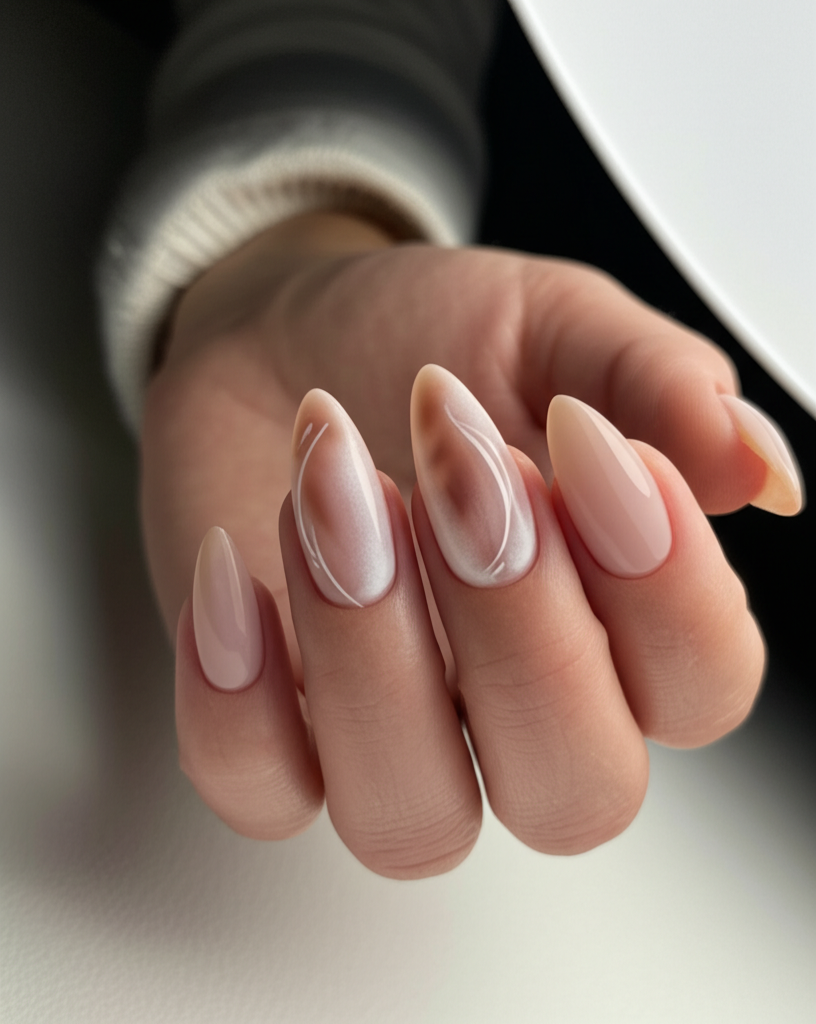
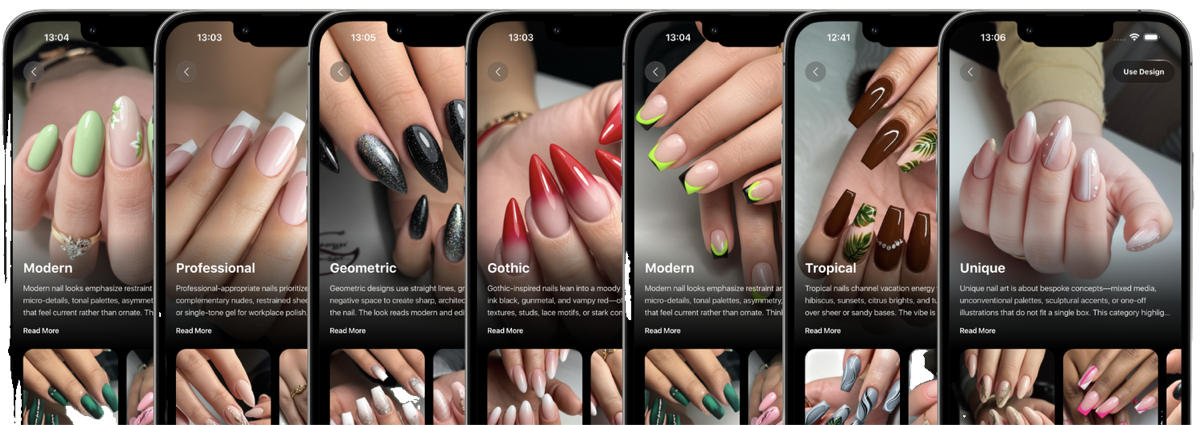
Browse nail styles and moods, from nude and milky pink nails to French tips and chrome-inspired looks.
Revisit results in My Designs and share a preview with your nail artist. Premium includes saving to Photos.
Nail art inspiration
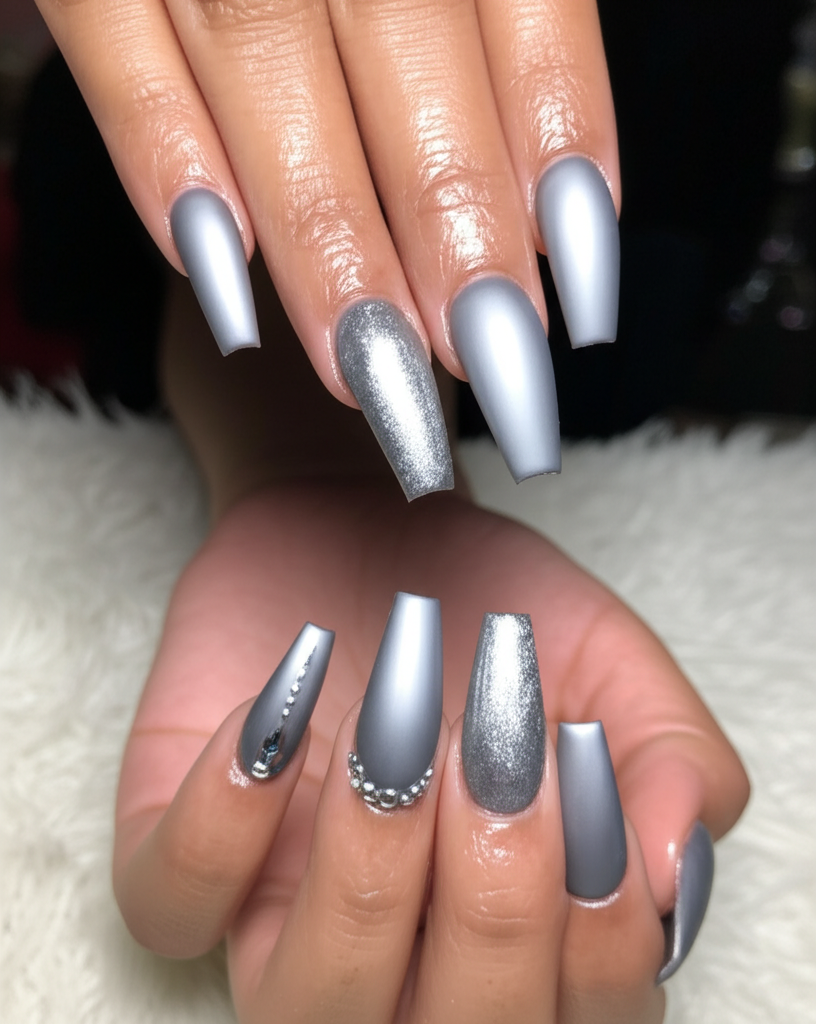
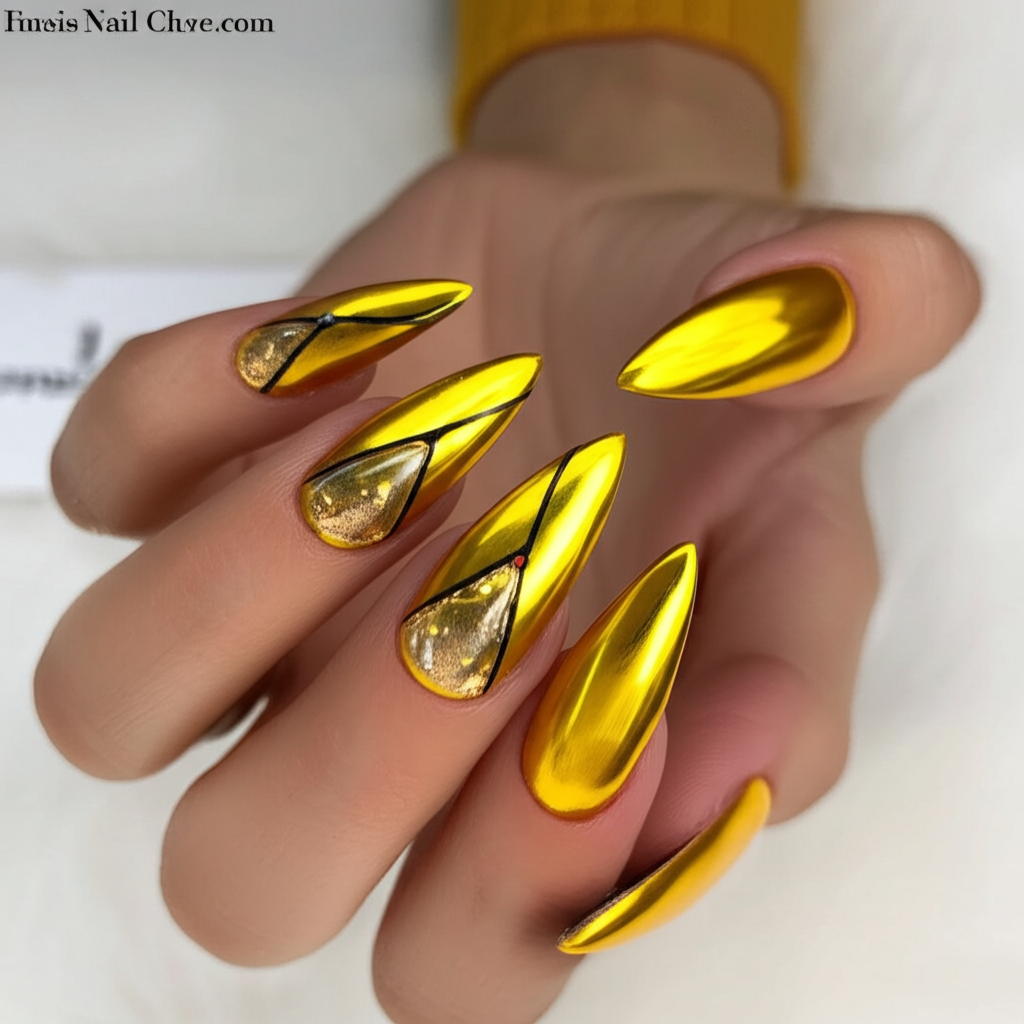
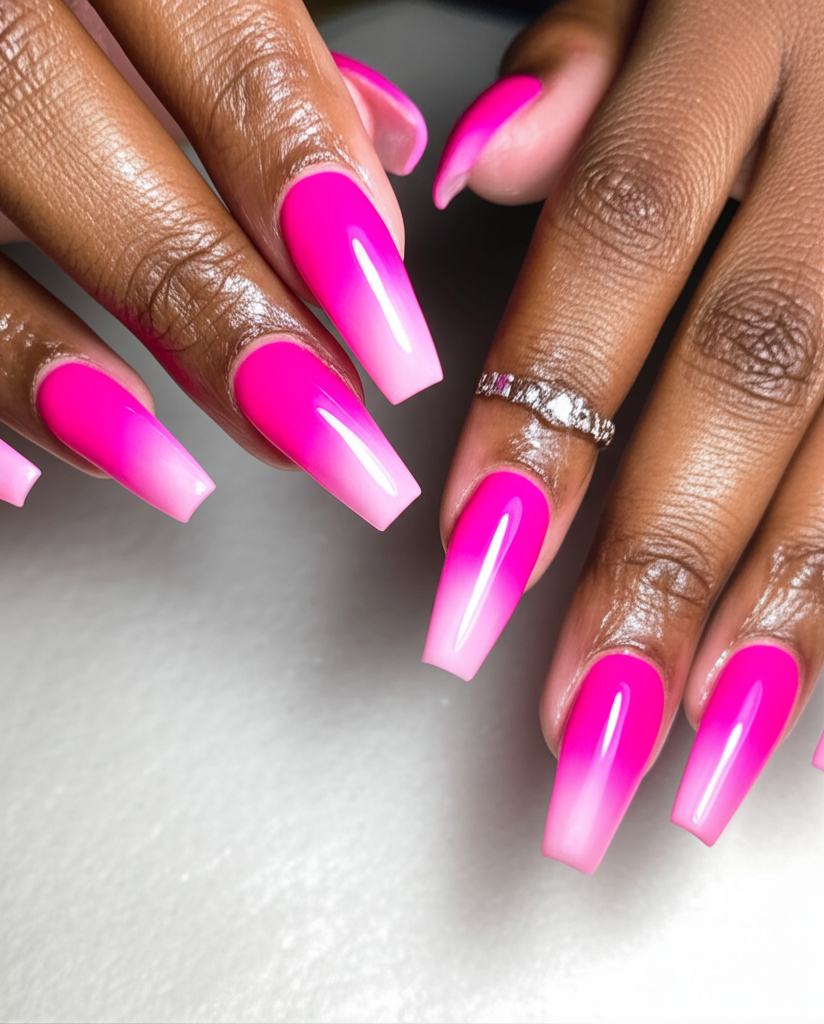
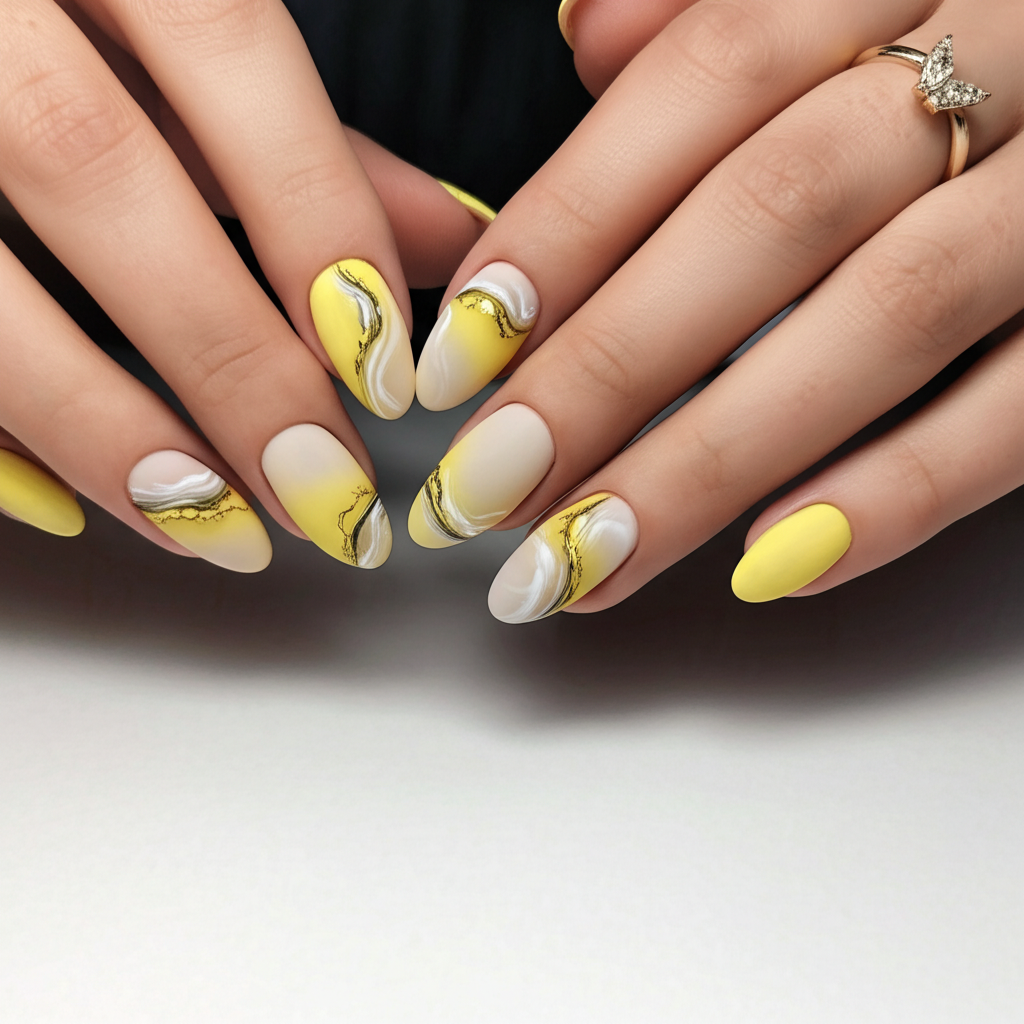
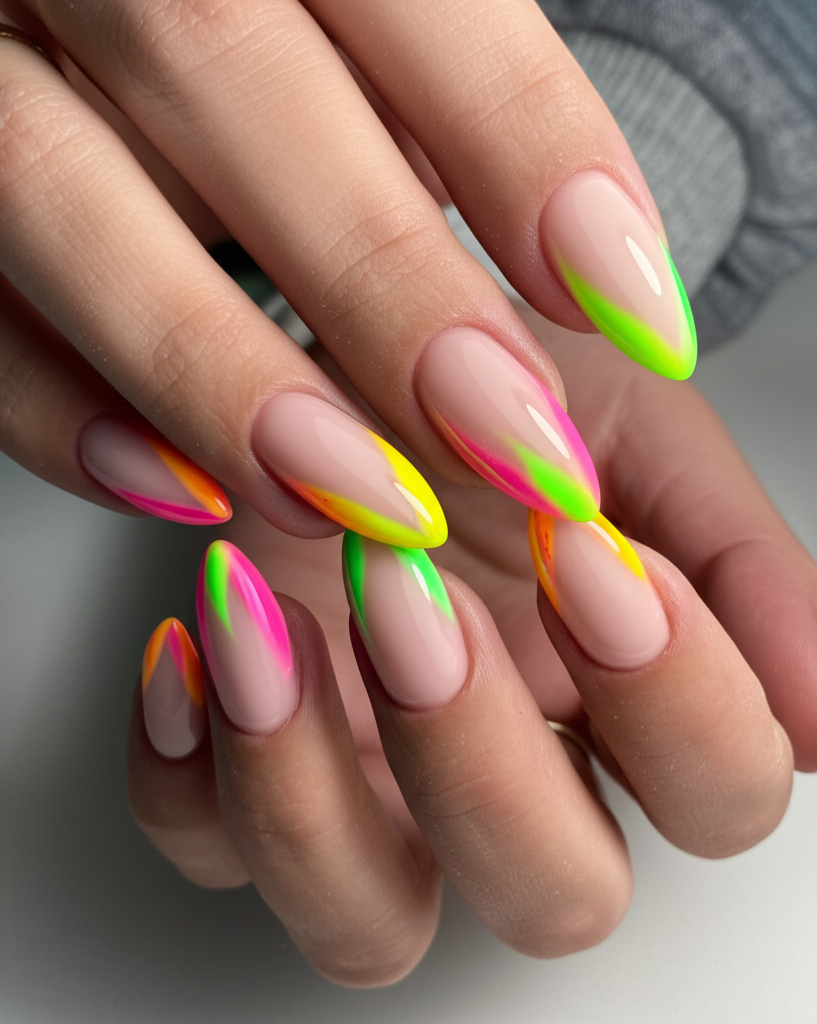
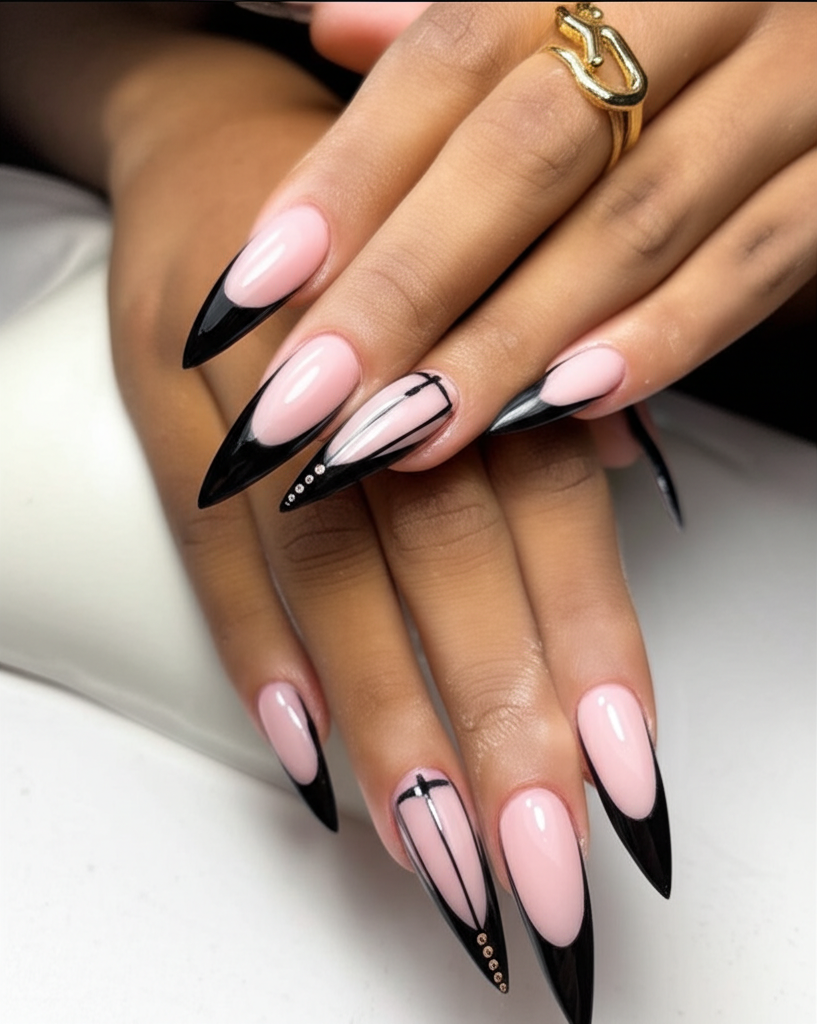
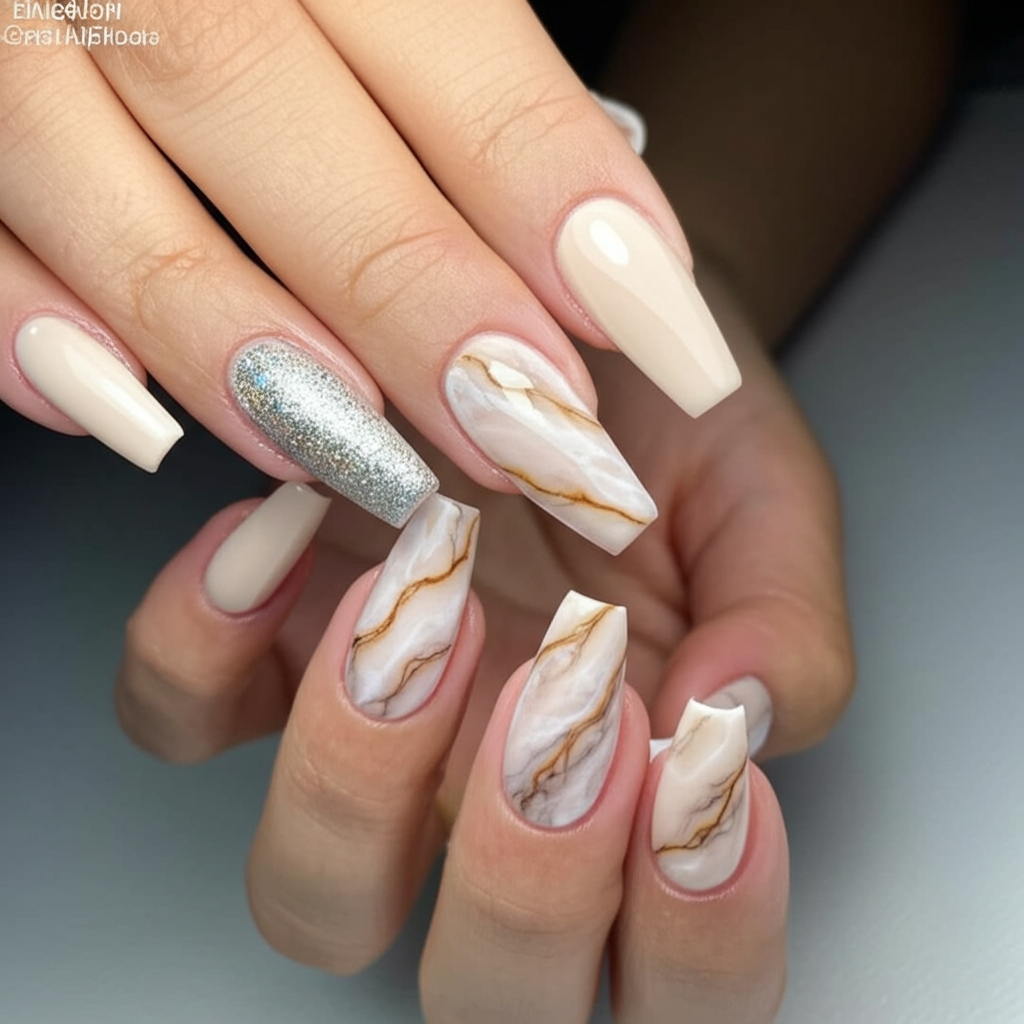
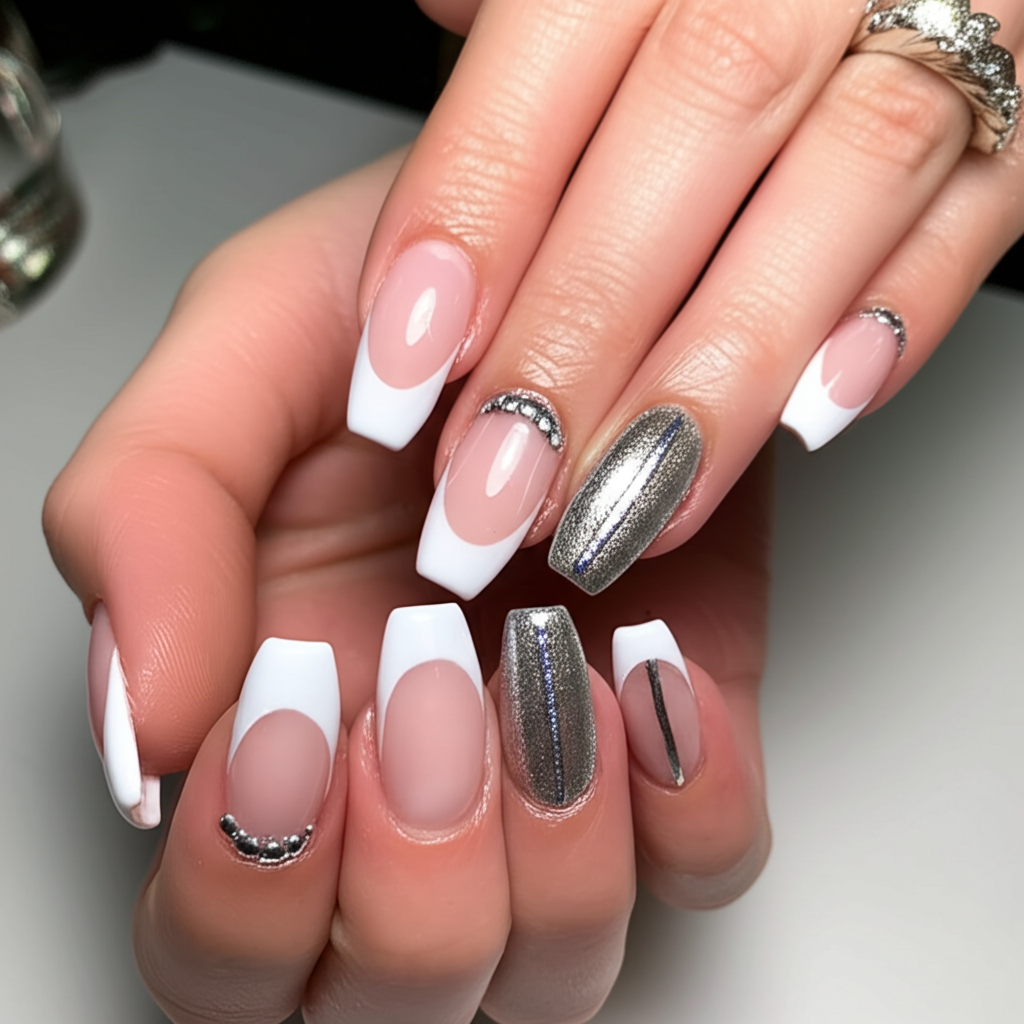
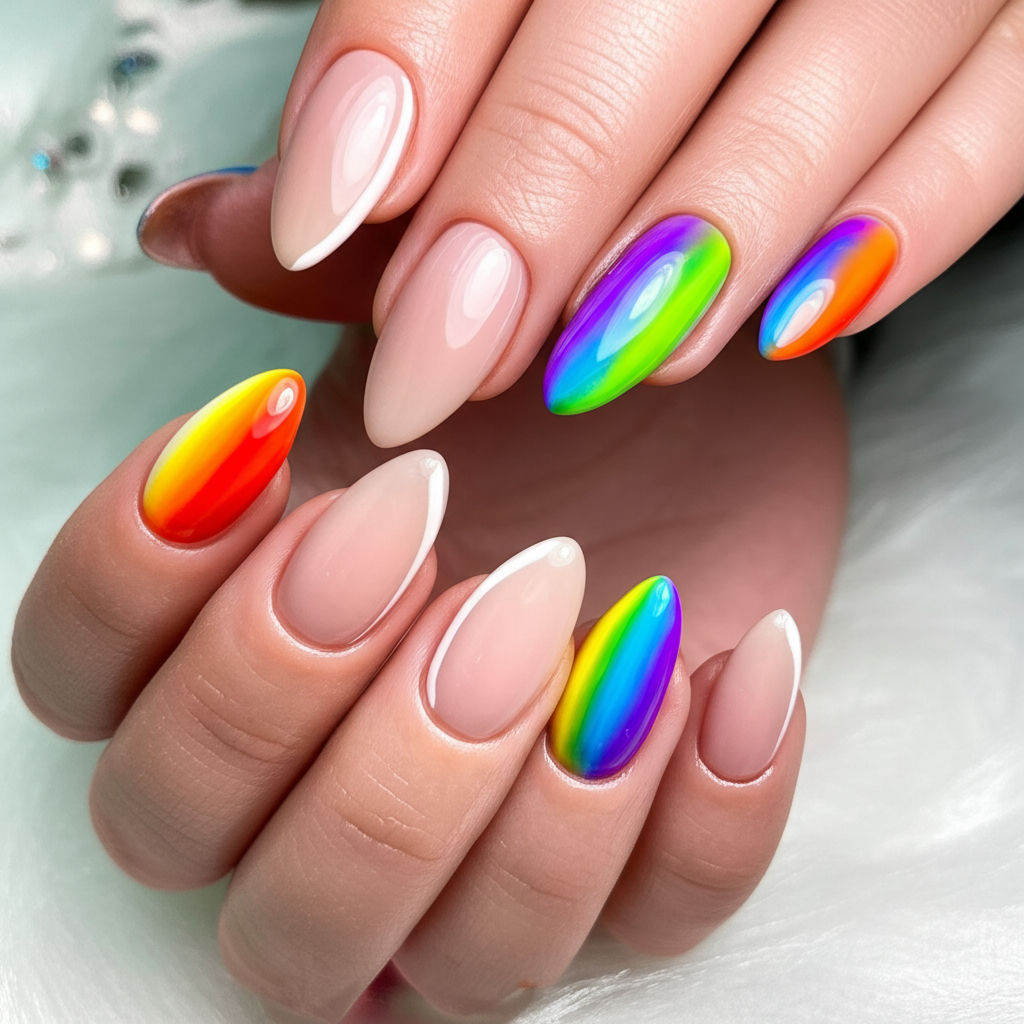
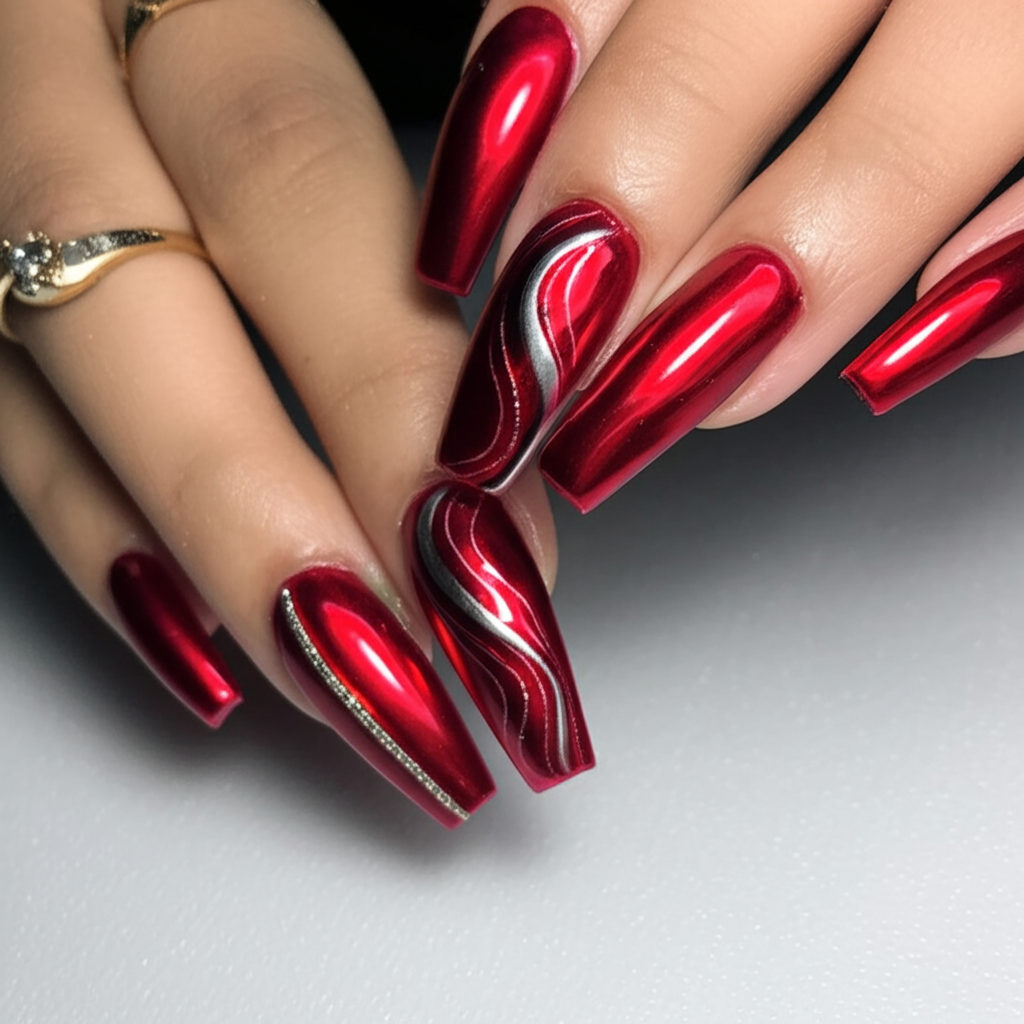
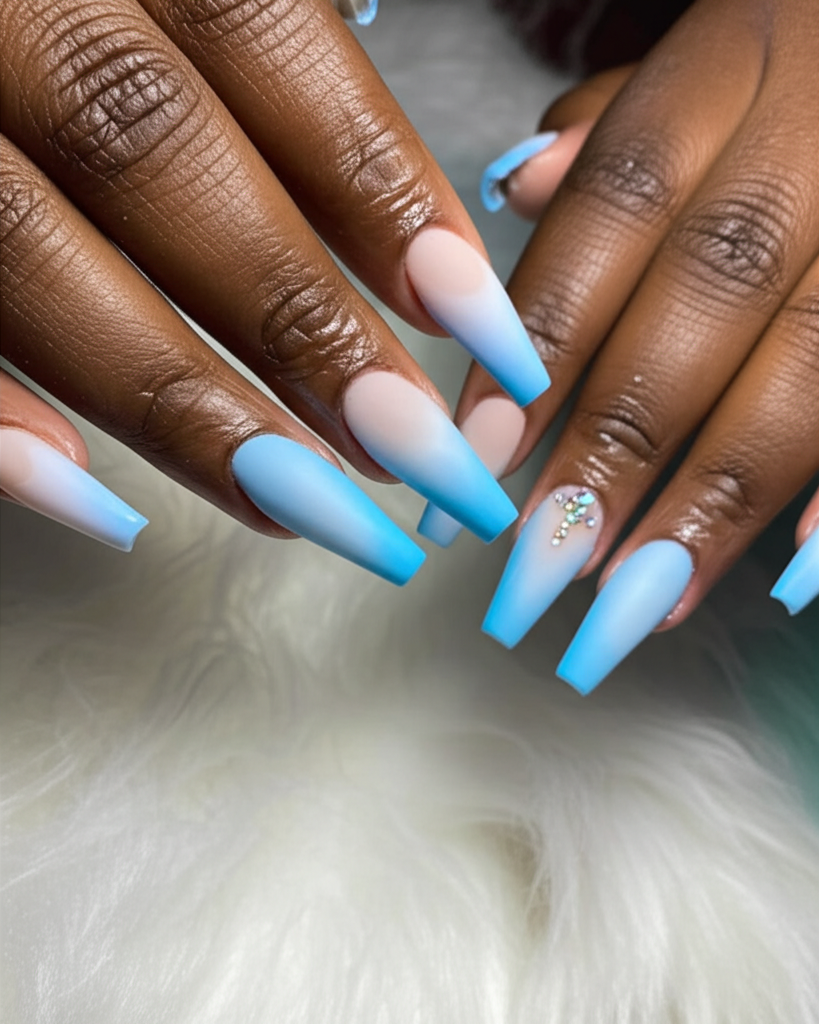
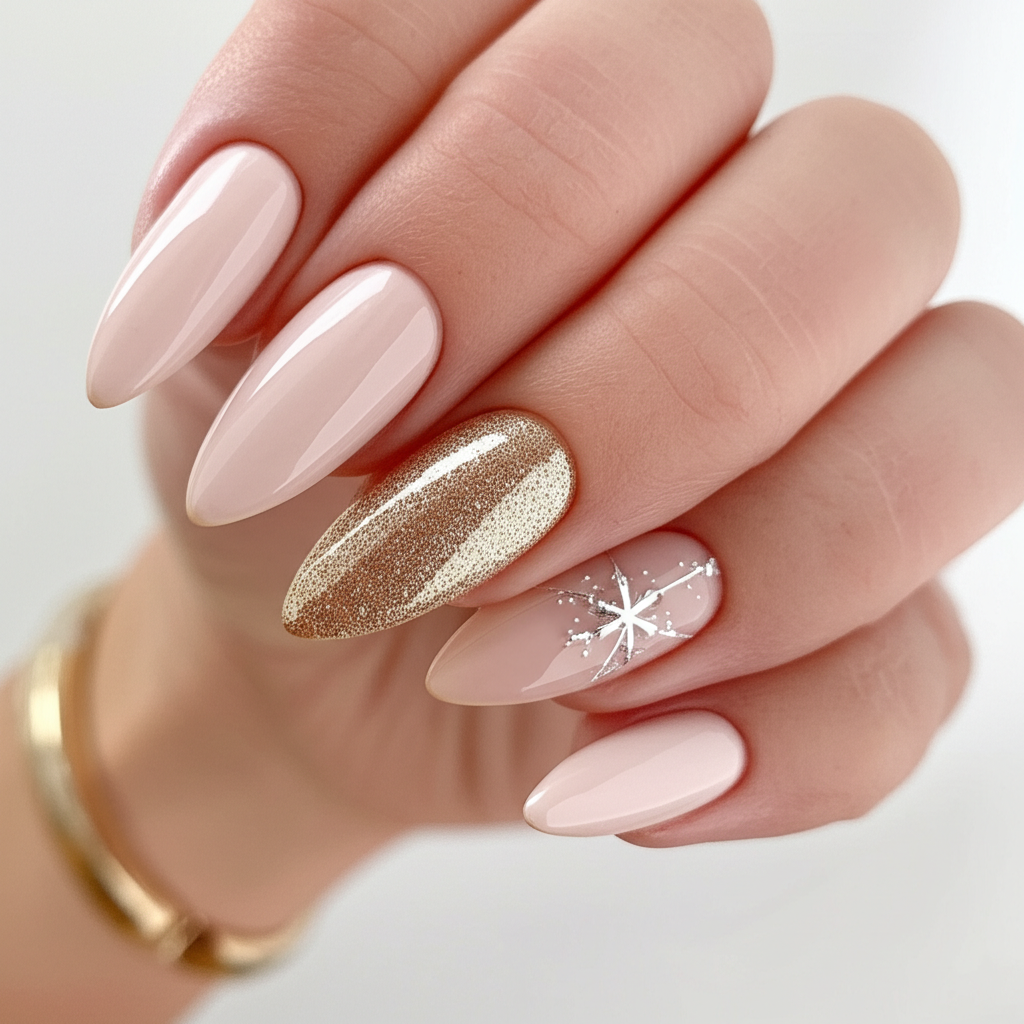
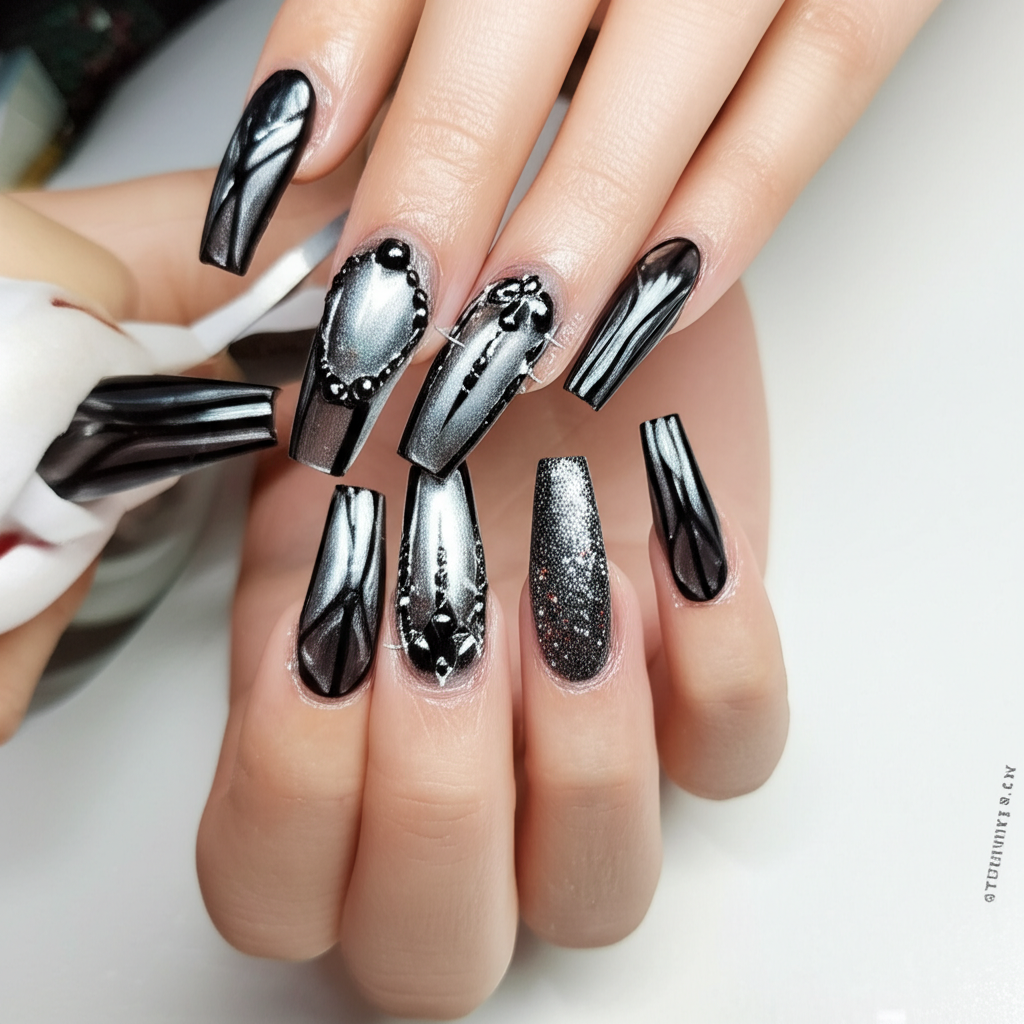
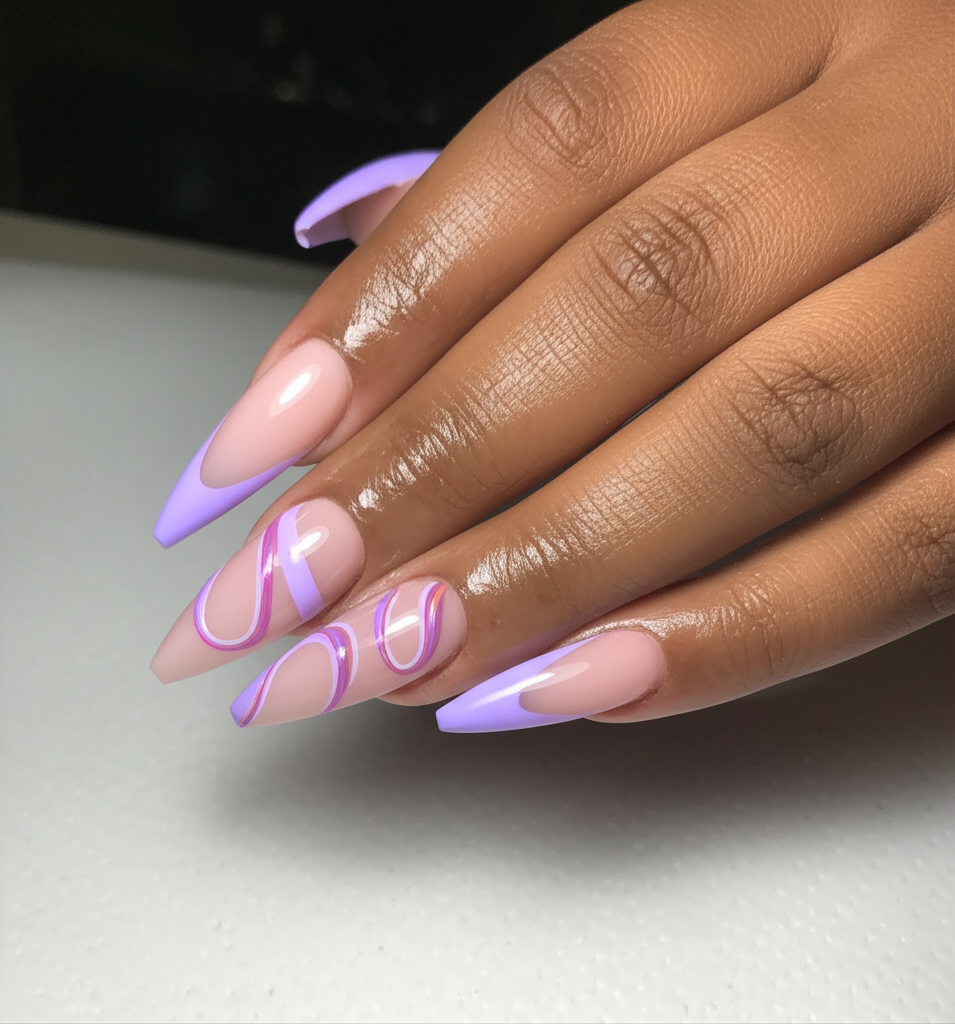
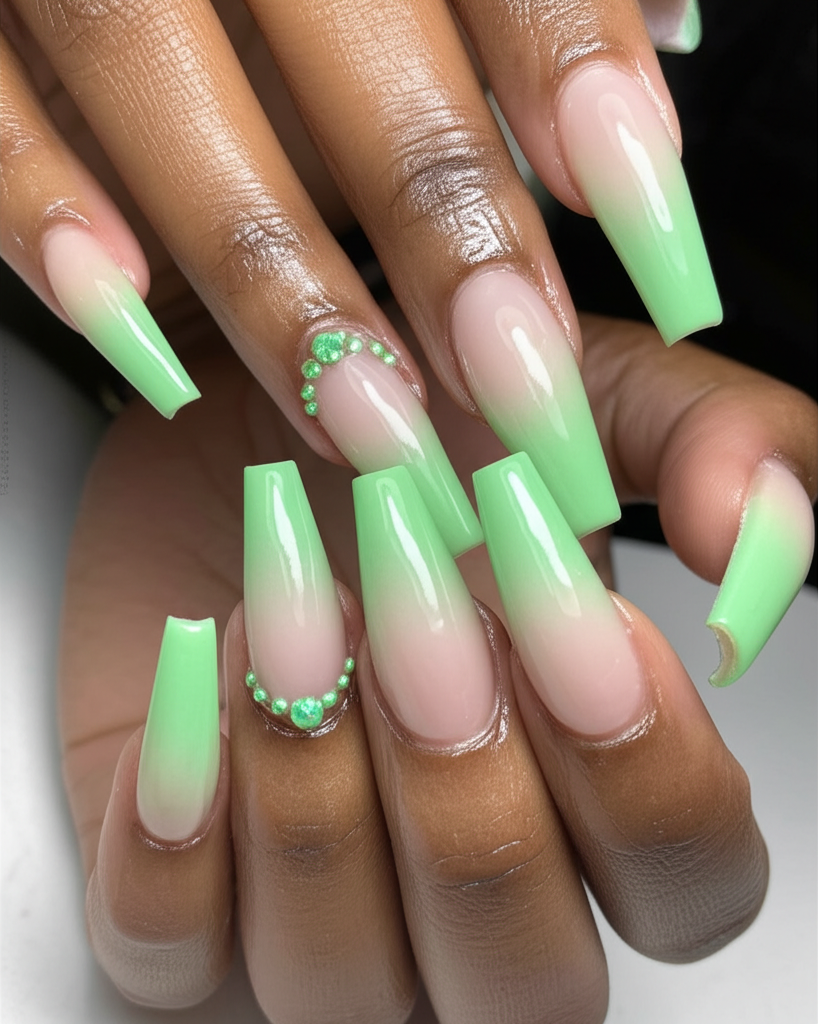
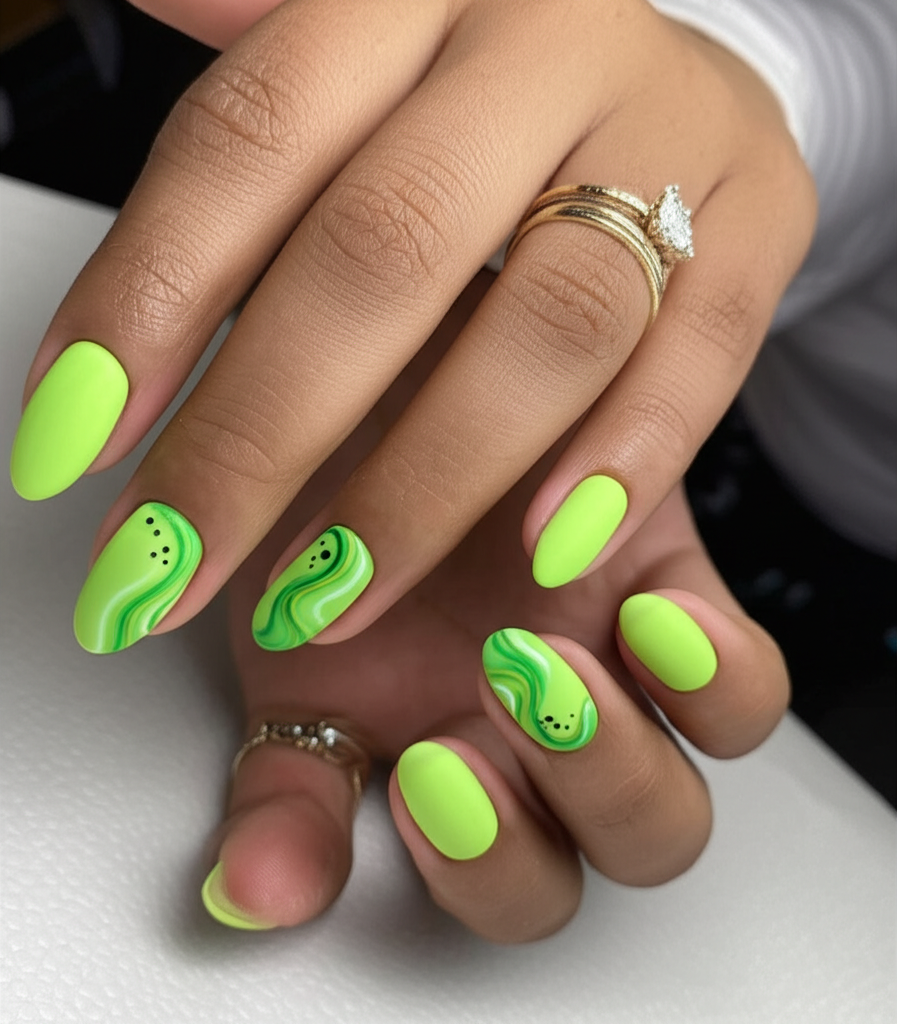
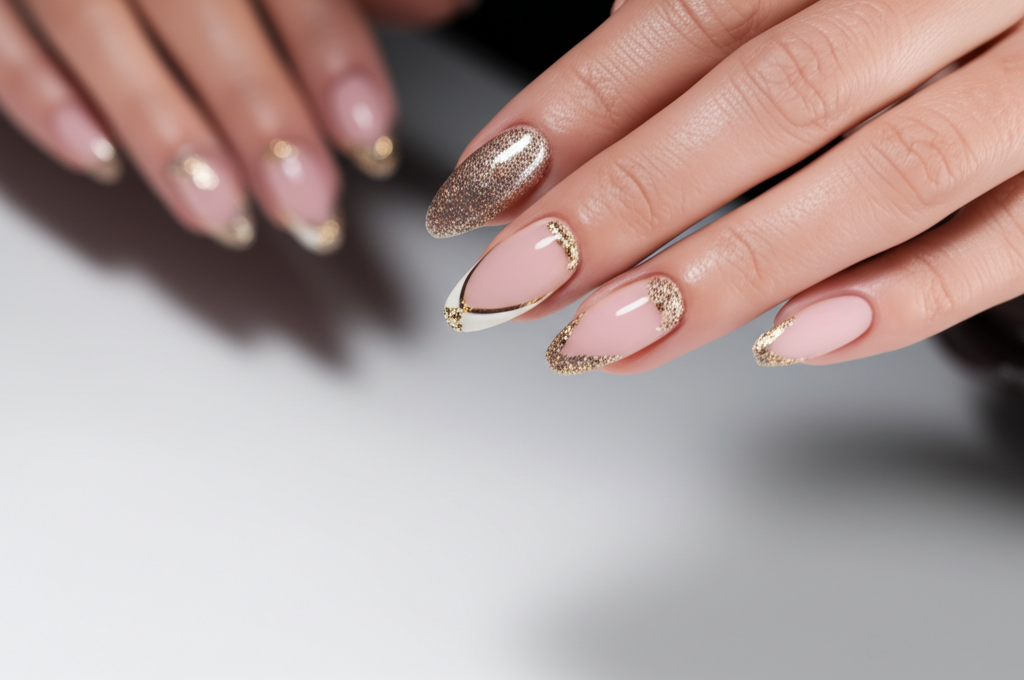
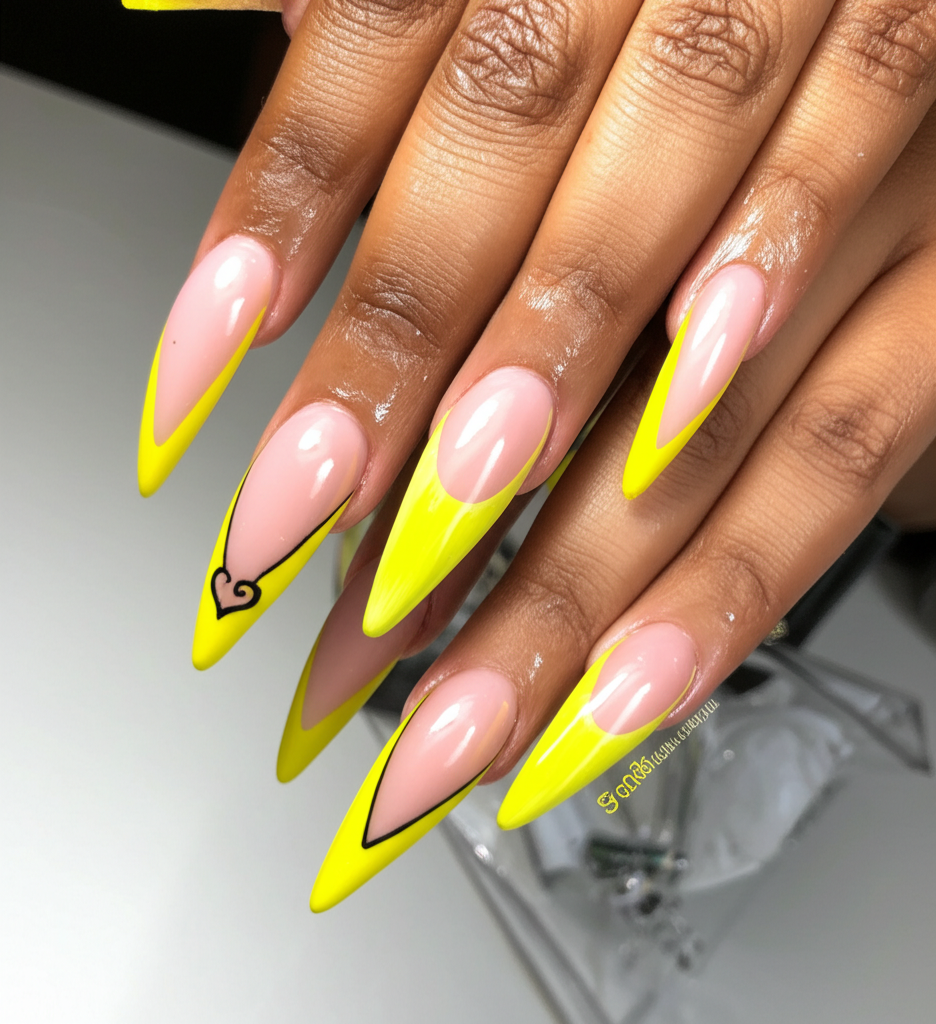
French tips. Chrome. Everyday color.
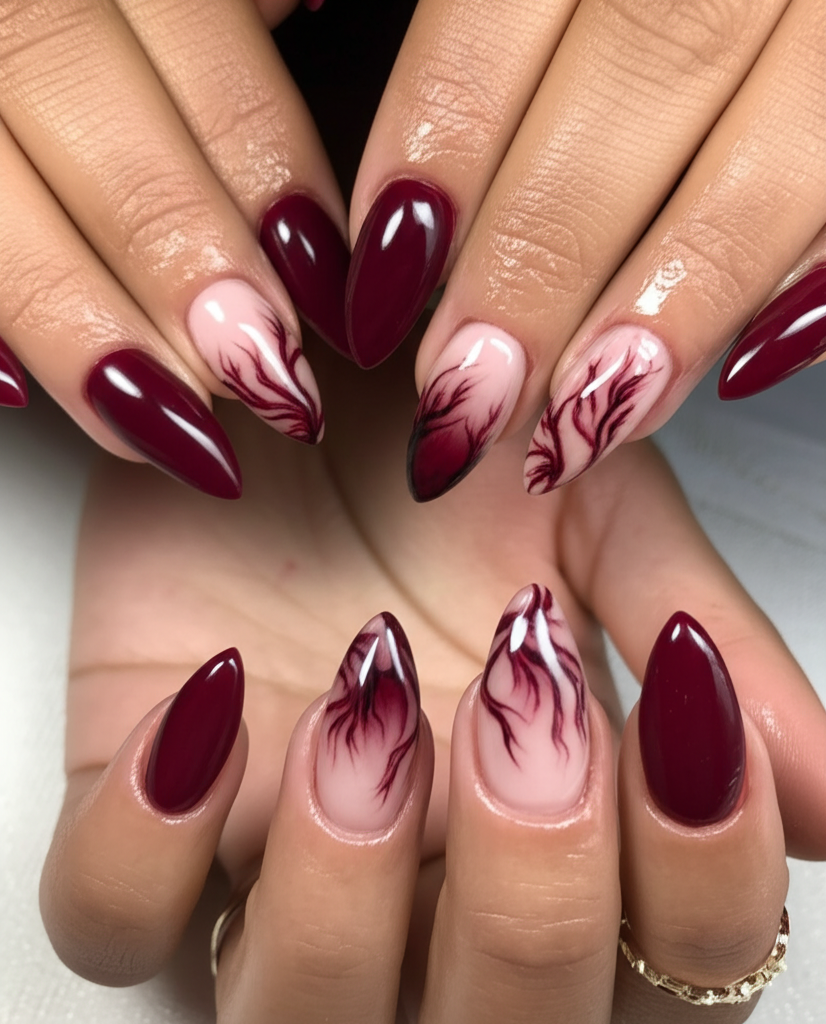
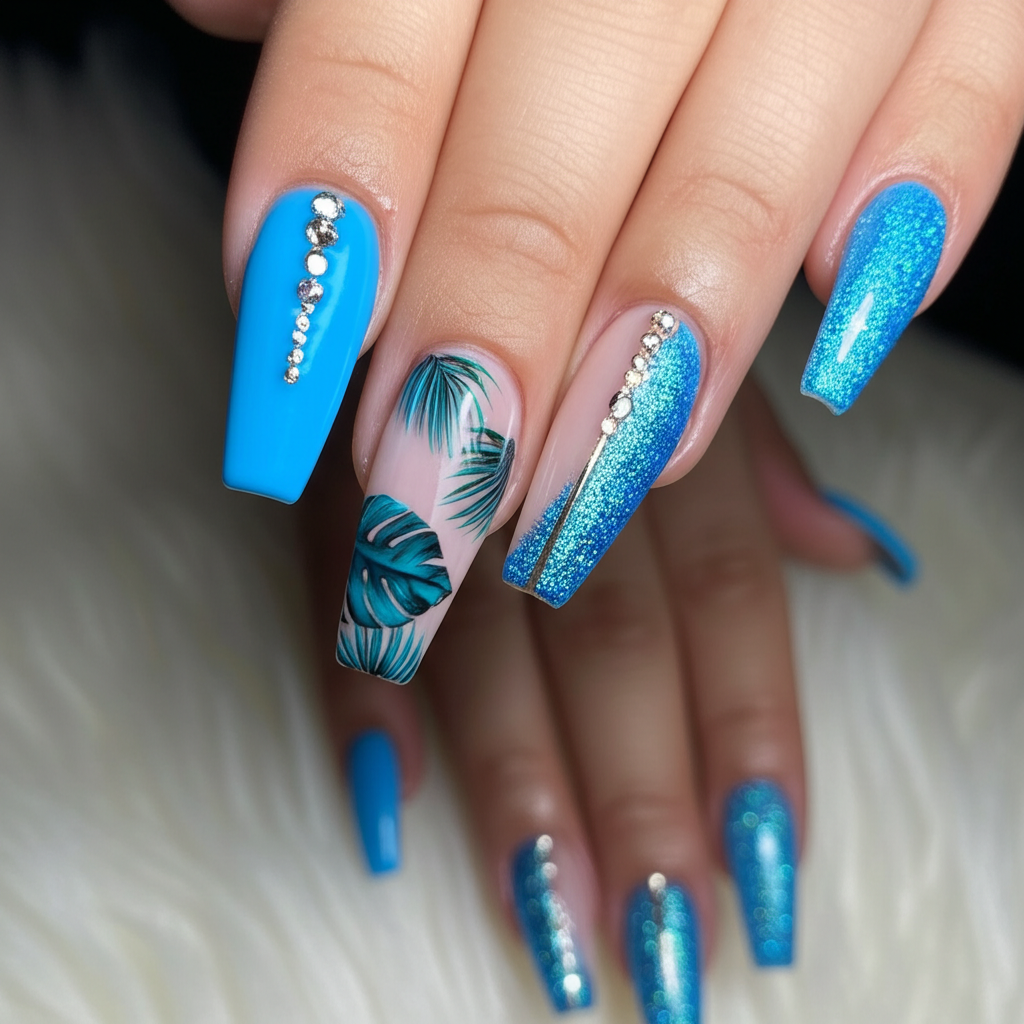
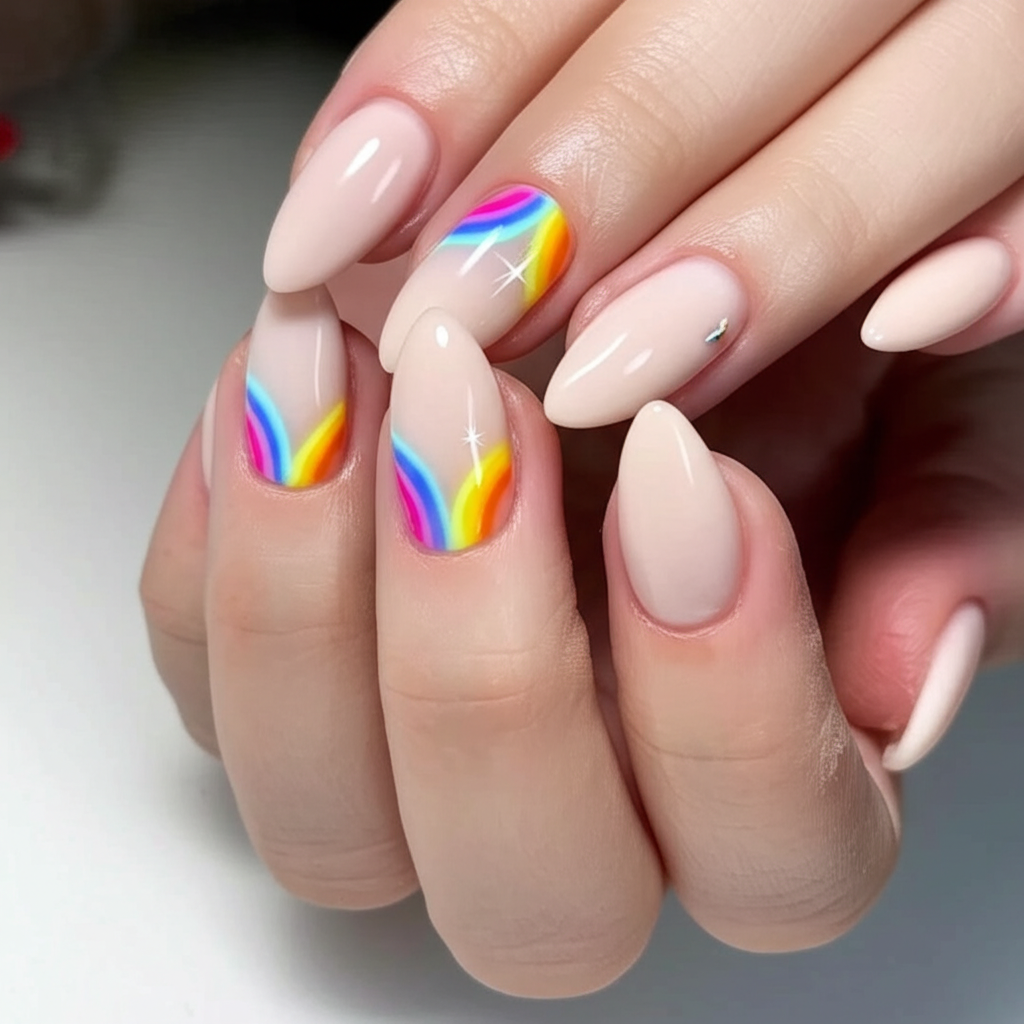
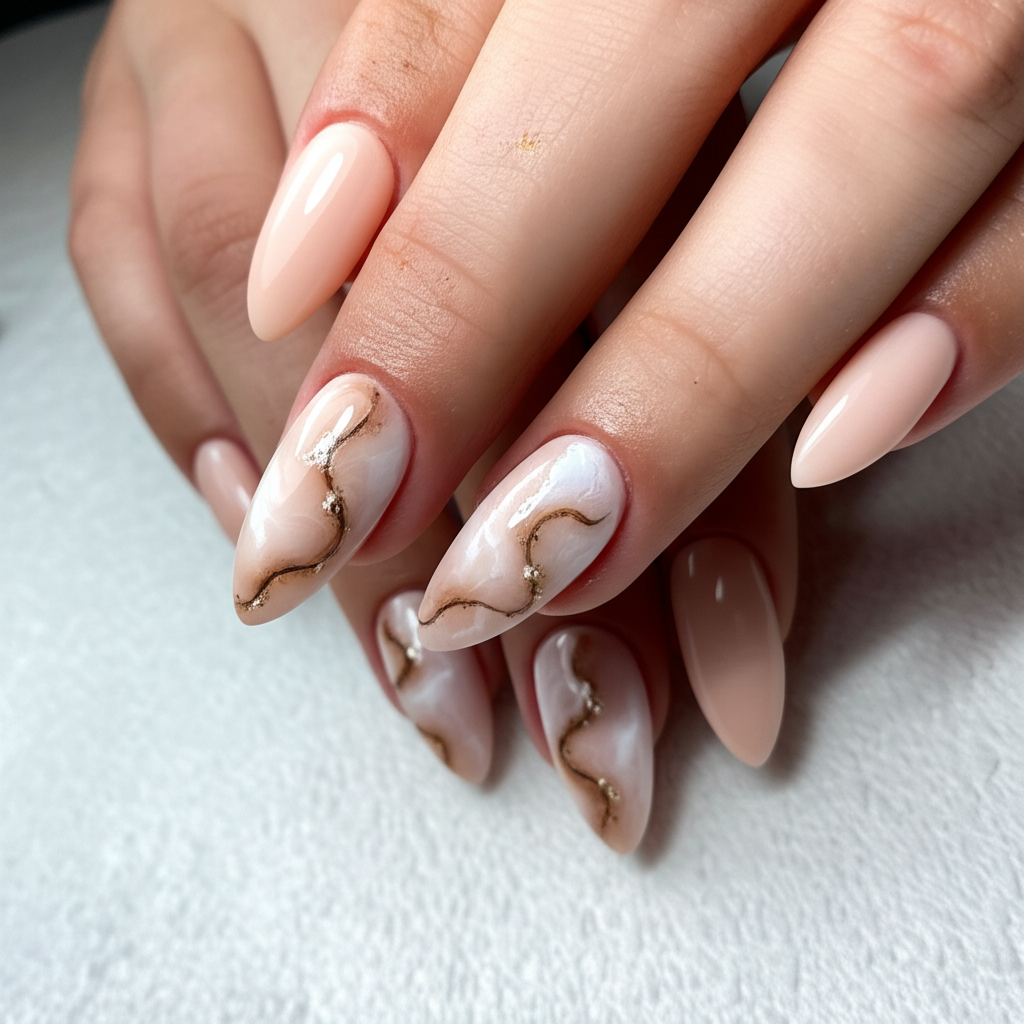
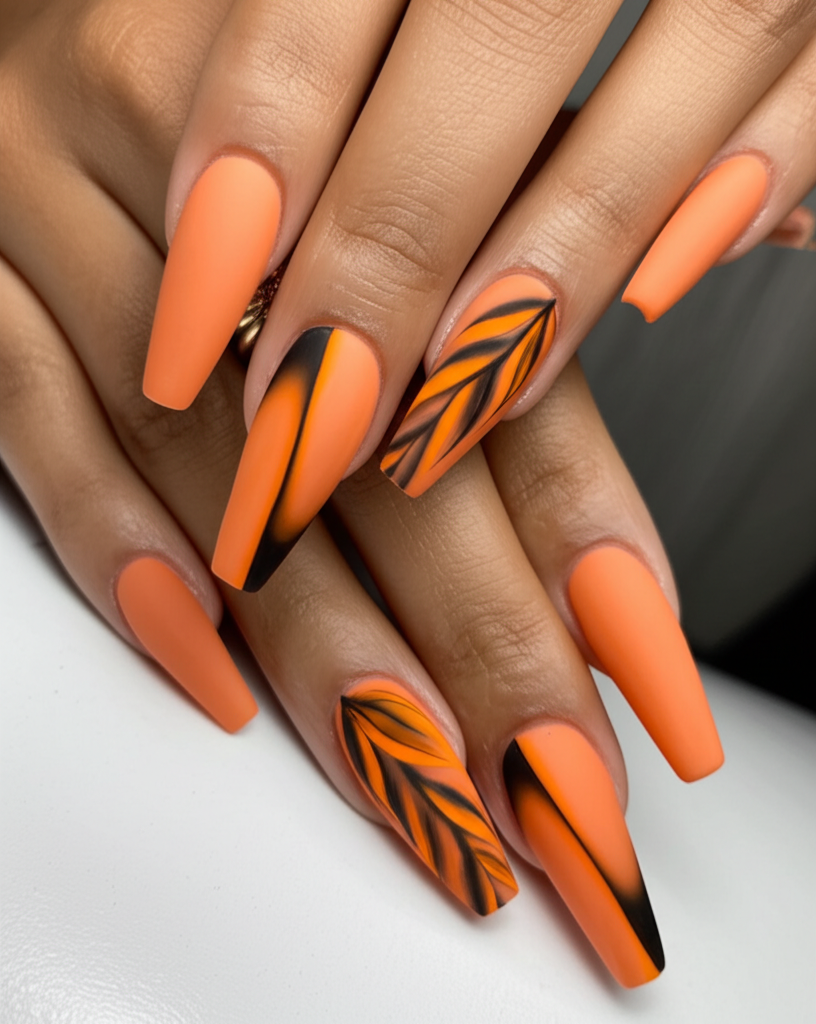
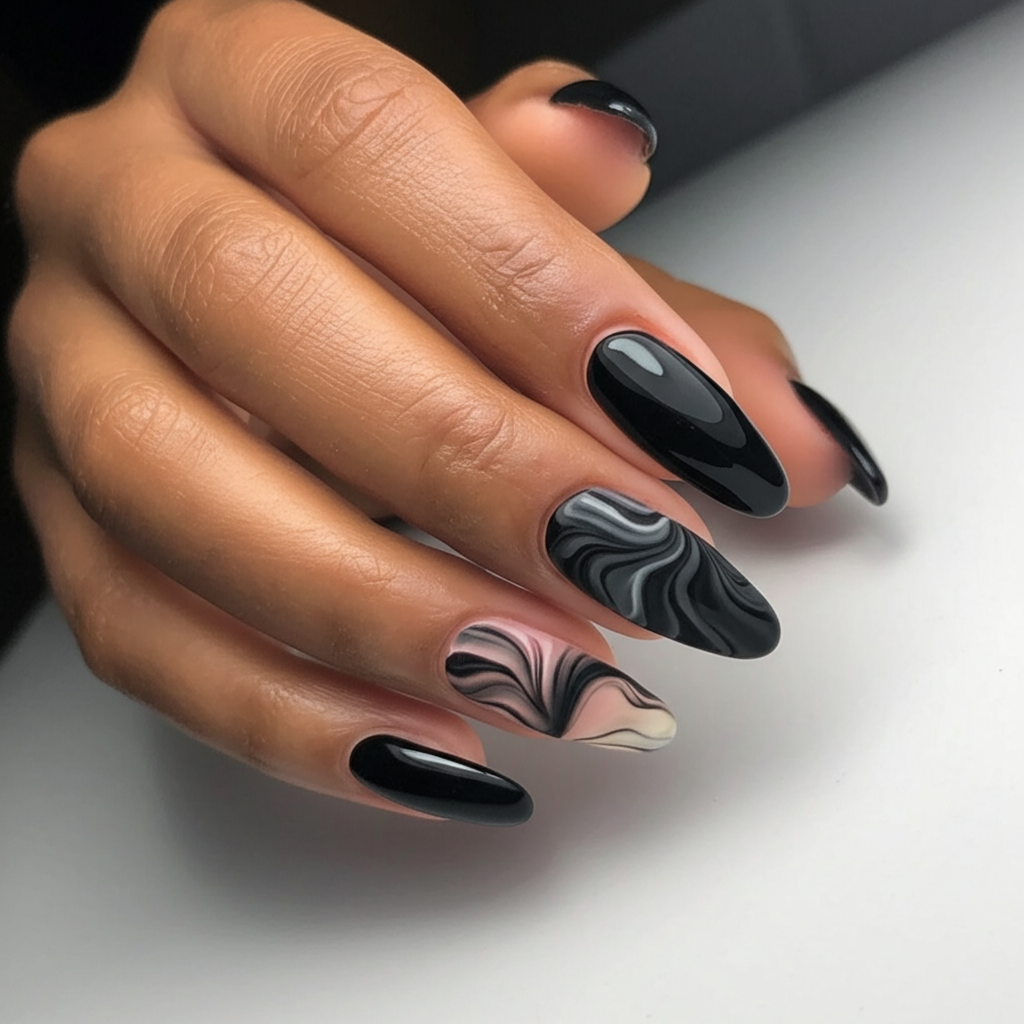
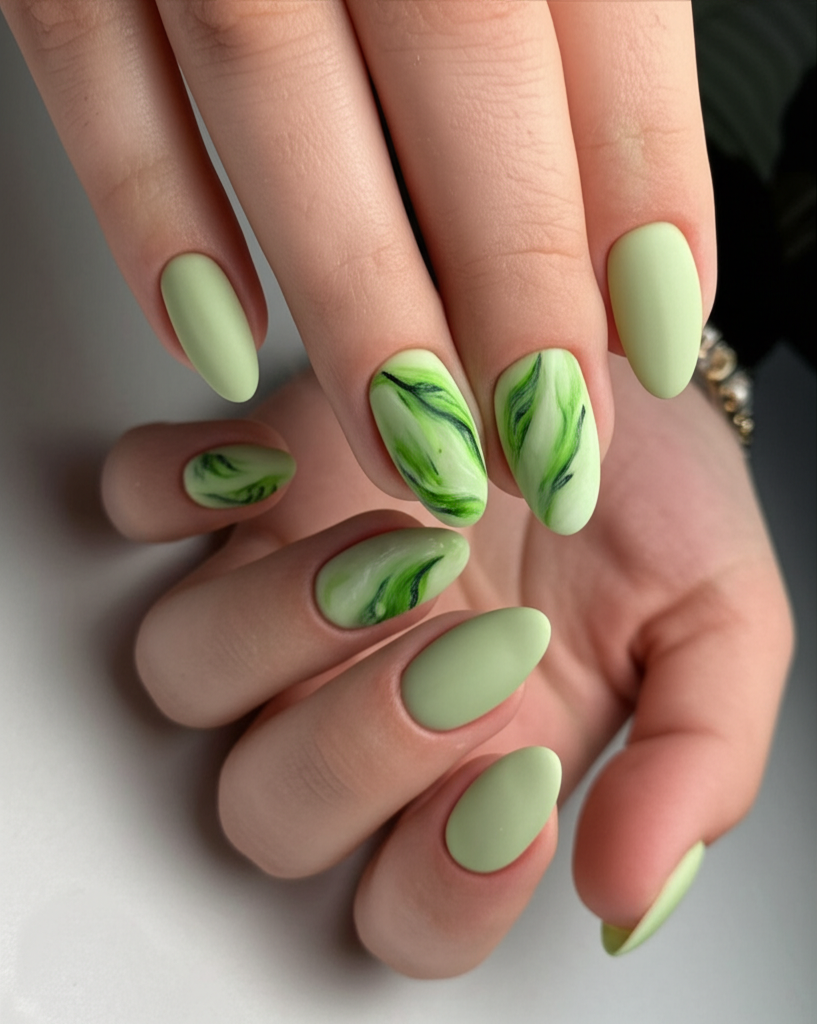
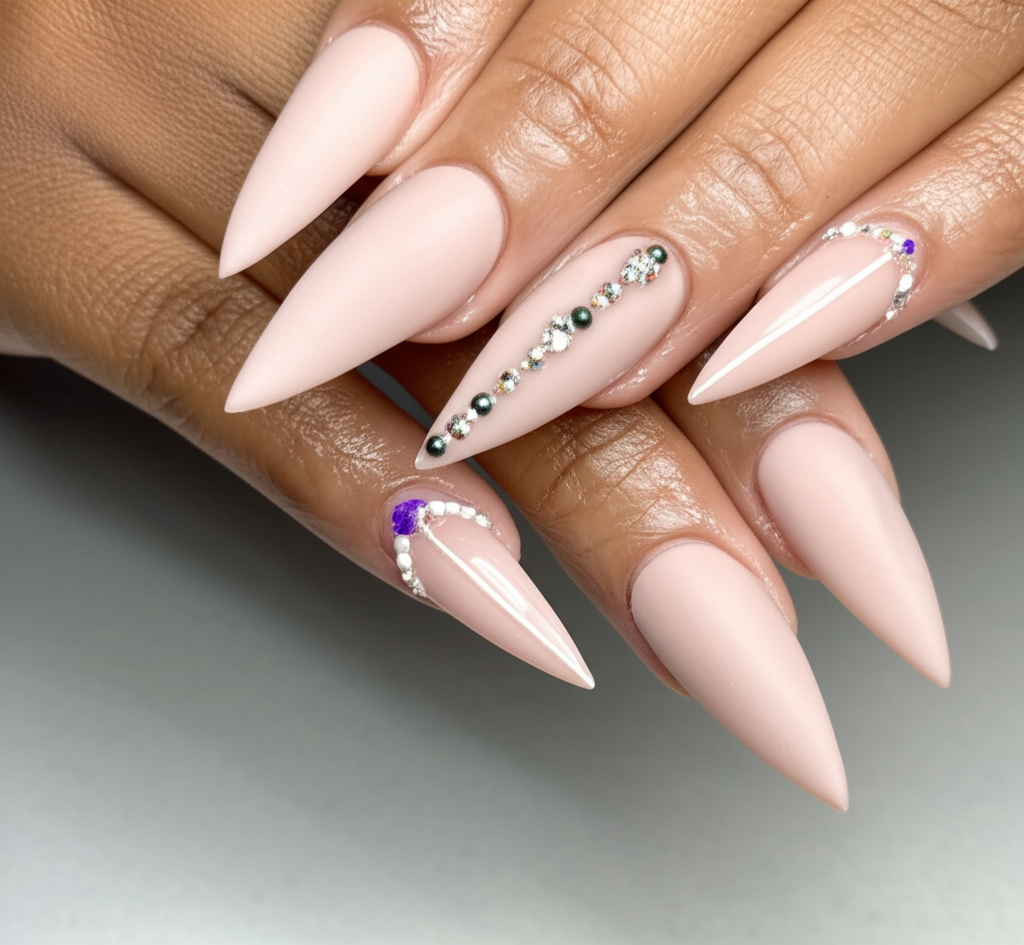
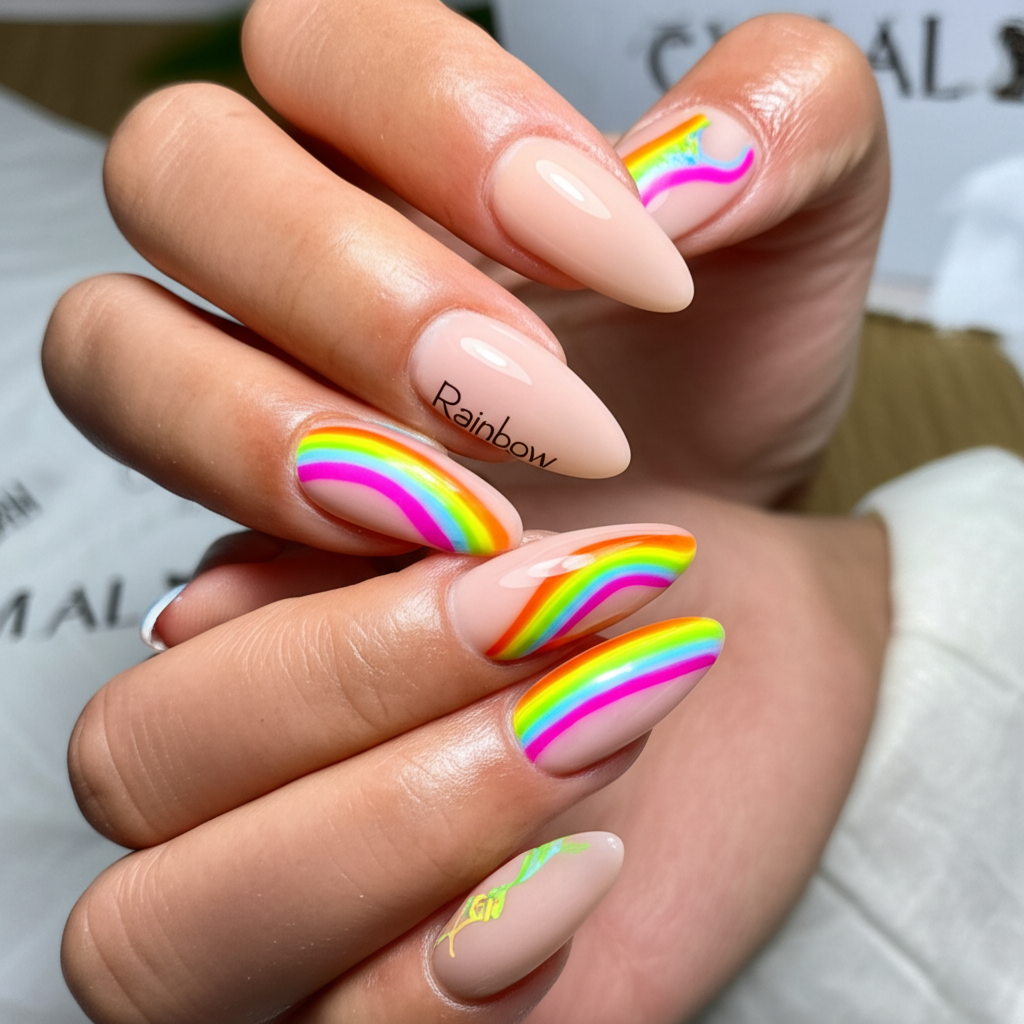
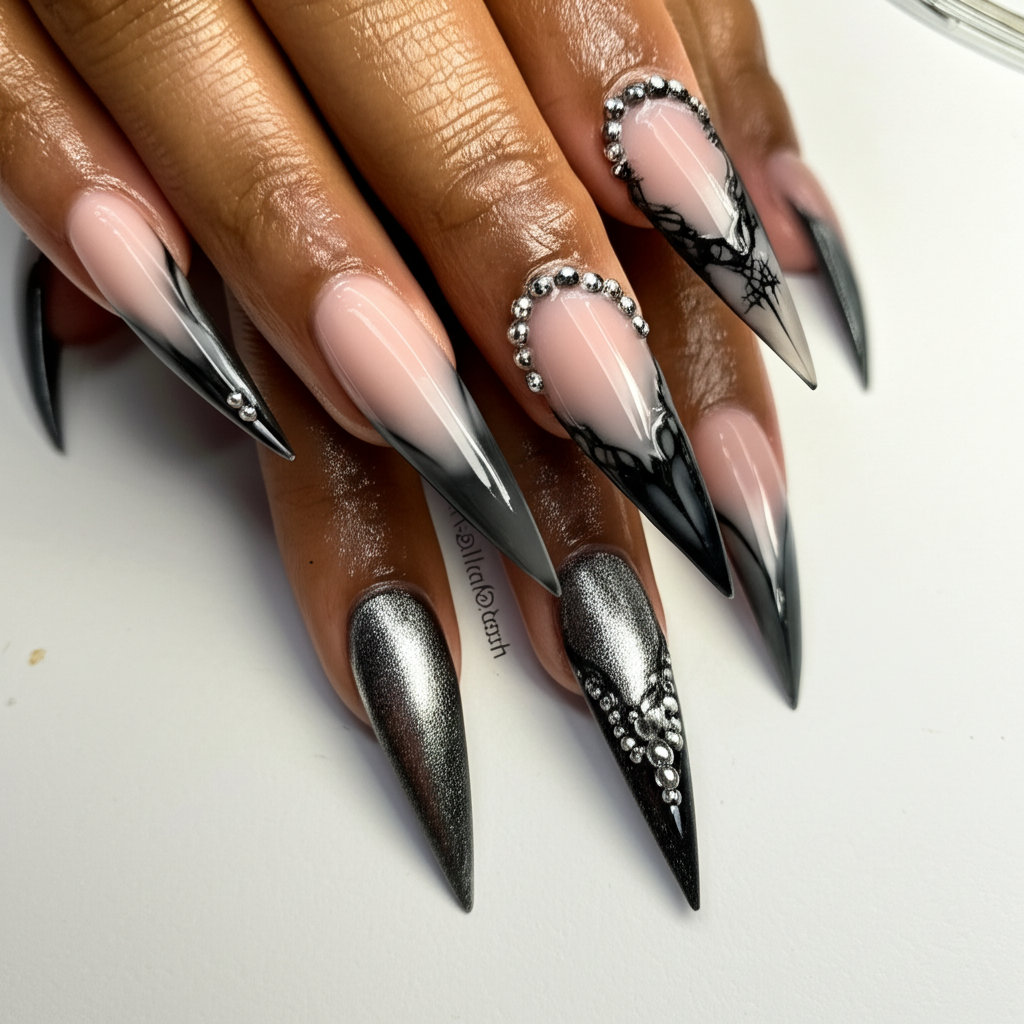
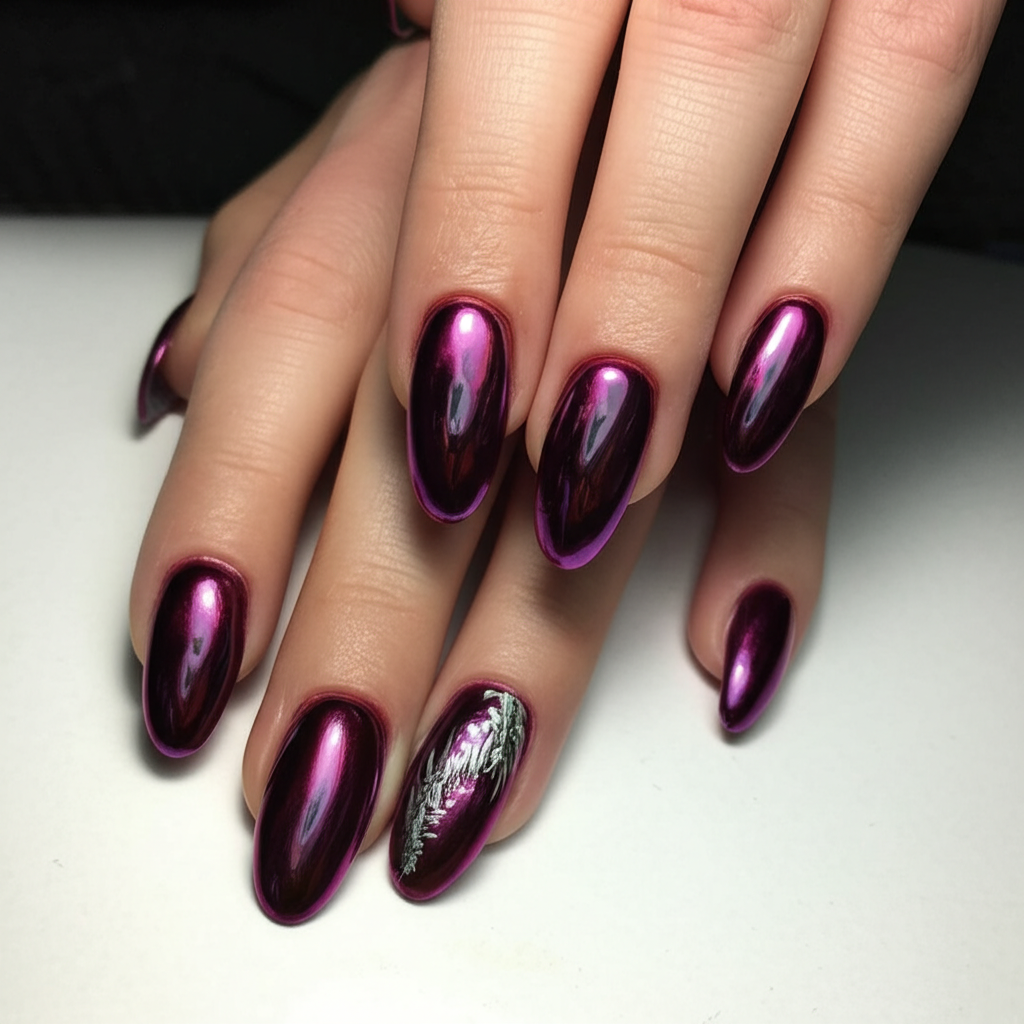
Browse nail art for short or long nails, from nude and milky pink manicures to bold patterns and glossy finishes. Find a reference you like, then explore a similar look with the app’s AI nail tools.
Photos & sharing
Your photos
Your photo is processed to create the AI preview. Read the User Privacy information for details about photo processing and storage.
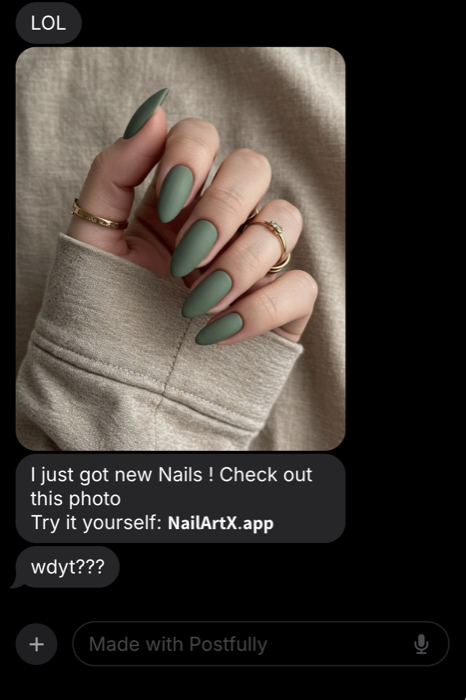
A reference for your nail artist
Explore nail art ideas
Your nail design app for iPhone
NailArtX
Create an AI nail design from a prompt, or try a gallery manicure on your own hand photo. Download the app to get started.
Download for iPhoneUpload a clear hand photo
Try a gallery nail design
Request colors, finishes, and accents
Refine a result with another prompt
Free download; in-app purchases
Generation requires coins or Premium
Frequently asked questions
NailArtX is an AI nail art generator and virtual nail try-on app for iPhone. It helps you create manicure ideas from text, preview a gallery design on your hand photo, repaint nails in a photo, and preview natural nails with the Premium removal tool.
Open a design in the NailArtX gallery, choose Use Design, and upload a clear hand photo. Generate a virtual nail try-on to see an AI interpretation of the design on your nails. Generation requires coins or an active Premium subscription.
Enter a prompt such as “short almond nails with a milky pink base and thin white French tips.” The new-design tool creates a manicure on the app’s sample hand. To preview a look on your own hand, use try-on or repaint an uploaded photo.
Yes. Explore gallery inspiration or describe finishes such as French tips, glazed chrome, ombré, glitter, nude, or milky pink. You can request short, almond, square, or coffin nail shapes in a prompt. These are visual AI previews, not a simulation of physical gel or acrylic products.
NailArtX is free to download on the App Store. AI generation requires coins or an active Premium subscription. Current subscription and coin-pack prices appear in the app before purchase; availability and prices can vary by region.
Hand photos are sent to the services needed to generate your AI nail preview. Review the Privacy Policy and User Privacy information linked below for details about processing and storage. You can delete your account from the app’s profile settings.
AI nail previews are visual references, not a guarantee of a salon result. Lighting, hand position, polish products, nail shape, and application technique can change how a real manicure looks. Discuss the design with your nail artist before your appointment.
Yes. Explore colors and nail art ideas, generate a preview, and share a reference with your nail artist. A photo can make it easier to discuss details such as French tip width, accent nails, chrome finishes, or the length you prefer.
Use a sharp photo in even lighting with your nails visible and fingers separated. Avoid blur, heavy filters, deep shadows, and objects covering the nails. Photo quality and hand position can affect how well the AI preserves your hand and applies the design.
Yes. The repaint tool accepts a hand photo and a prompt describing the nail changes you want. Request a different polish color, an accent nail, a pattern, or a finish. You can also refine an existing generated result with another prompt.
The Premium removal tool creates an AI preview of natural, bare nails from your uploaded photo. It edits the image only; it does not remove physical polish, gel, or acrylic nails.
Your generated results appear in My Designs. Open a result to share the preview with your nail artist or friends. Saving the image to your phone’s Photos library requires Premium.
Download NailArtX for iPhone from the App Store to generate designs and use virtual nail try-on. This website explains the app and provides nail art guides; it does not generate or edit hand photos in the browser.
Nail artists can use an AI preview as a starting point for discussing a client’s manicure. Review the colors, shape, finish, and practical details together before deciding how to recreate the look.
Plan your next manicure
Get NailArtX for iPhone to create AI nail art, try a design on your hand photo, and share a reference for your next salon visit.